
Connect Notion
Add WriteStack to Notion as a custom MCP connection so Notion AI can read and schedule your Notes.
Notion connects to WriteStack with a custom MCP connection. You sign in to WriteStack once, and Notion AI can use it.
Steps
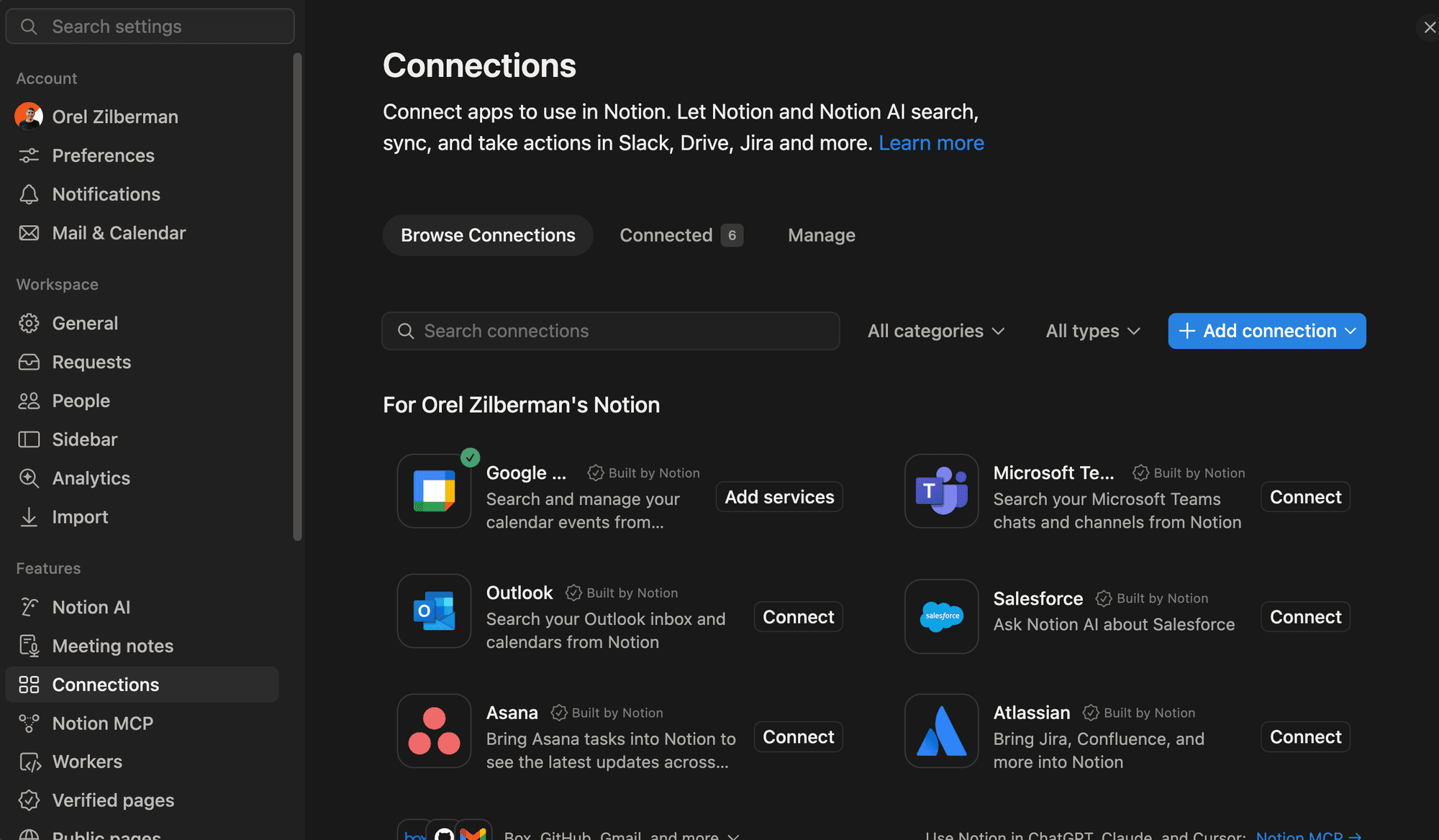
- In Notion, open Settings → Connections.
- Click Add connection and choose Custom MCP connection.
- Paste the endpoint:
https://www.writestack.io/api/mcp/mcp - Notion opens WriteStack. Sign in and approve access.
- Ask Notion AI, for example: "Turn this page into five Substack Notes and save them as drafts in WriteStack."
You can also ask Notion AI to add the connection for you. Give it the endpoint above.
Scheduled Notes still need a Sync from WriteStack before they reach Substack. See Sync.